Feature 04 · Menu & food
Dish photos
Creates a realistic photo for any menu item that doesn’t have one yet.
You enter
- Dish
- Tacos al pastor
- Details
- Three per order, pineapple, cilantro, corn tortillas
Photo preview
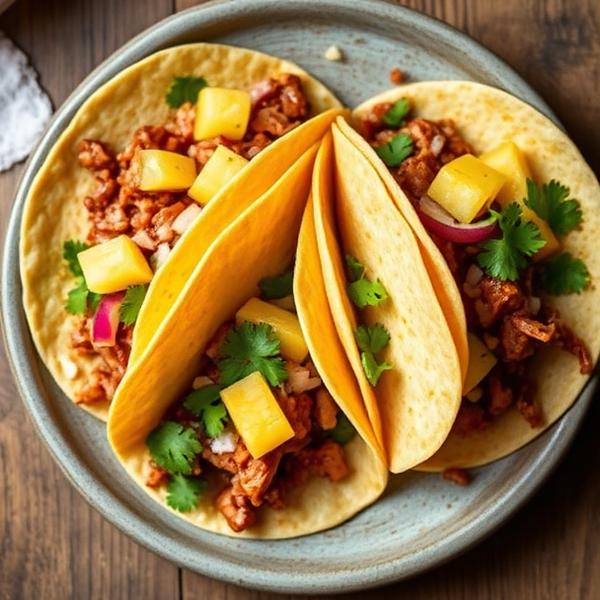
Tacos al pastor
What it does
- 01
Fills the gaps
Gives a photo to the items on your menu that don’t have one.
- 02
A consistent style
Photos look like they belong on the same menu.
- 03
From a short description
Ingredients and how the dish is served are enough.
How it works
- 01
Describe the dish
Ingredients and presentation.
- 02
Get a photo
A realistic image in your menu’s style.
- 03
Accept or try again
Keep the photo for the item, or reject it.
Before anything changes
You stay in control
Each photo is a preview. You accept it before it’s added to the menu item, or reject it and keep what you had.
Details
- Where you use it
- Owner dashboard
- Category
- Menu & food
- Status
- Available
Put El Jefe to work at your restaurant.
Claim your restaurant’s page
Questions? Visit Help.